

Walsh Landing Boat Pump
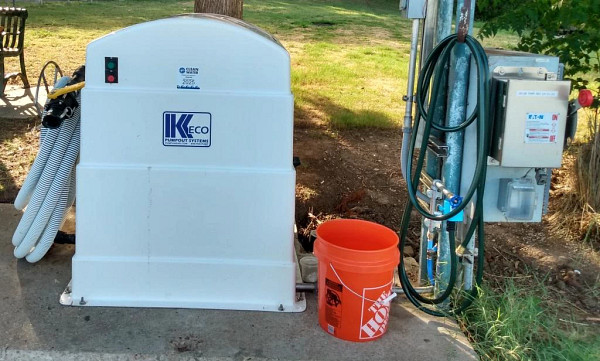
In 2024, Austin Water installed a new dockside marine pump-out system at the Walsh Boat Landing (1600 Scenic Drive, Austin, TX 78703) as part of the Lake Water Protection program. The pump prevents marine sanitation device (MSD) waste from entering Lake Austin and is available for private and commercial boats with an MSD.
There is no cost to use the Walsh Landing Boat Pump. The Walsh Landing dock is strictly for boats with an MSD performing a pump-out. Once the pump-out is complete, boats must leave the dock area immediately.
To report a mechanical problem with the pump, call Austin Water Dispatch at 512-972-1000.
- Boat Pump Safety Tips
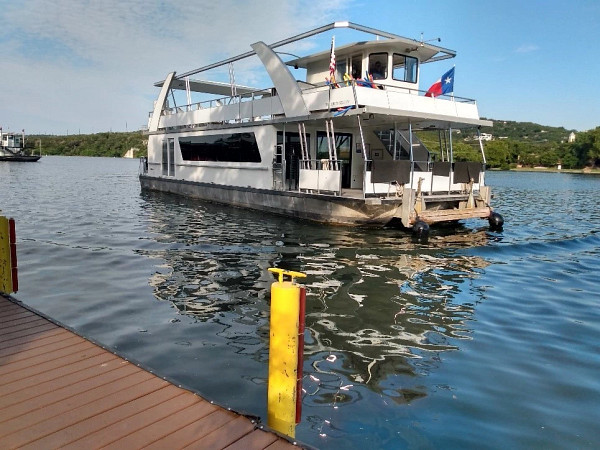
To stay safe and keep the pump working properly:
- Never put the suction hose into the lake. This can damage the pump.
- The water from the attached water hose is non-potable. Do not drink it or use it to fill drinking water tanks.
- Do not put wipes — even those labeled flushable — into the marine sanitation device. Wipes do not break down quickly and can clog the pump or the City's sanitary sewer system. For more information, see Only Flush Toilet Paper.
- Boat Pump Use Instructions
Before you begin, gather the following:
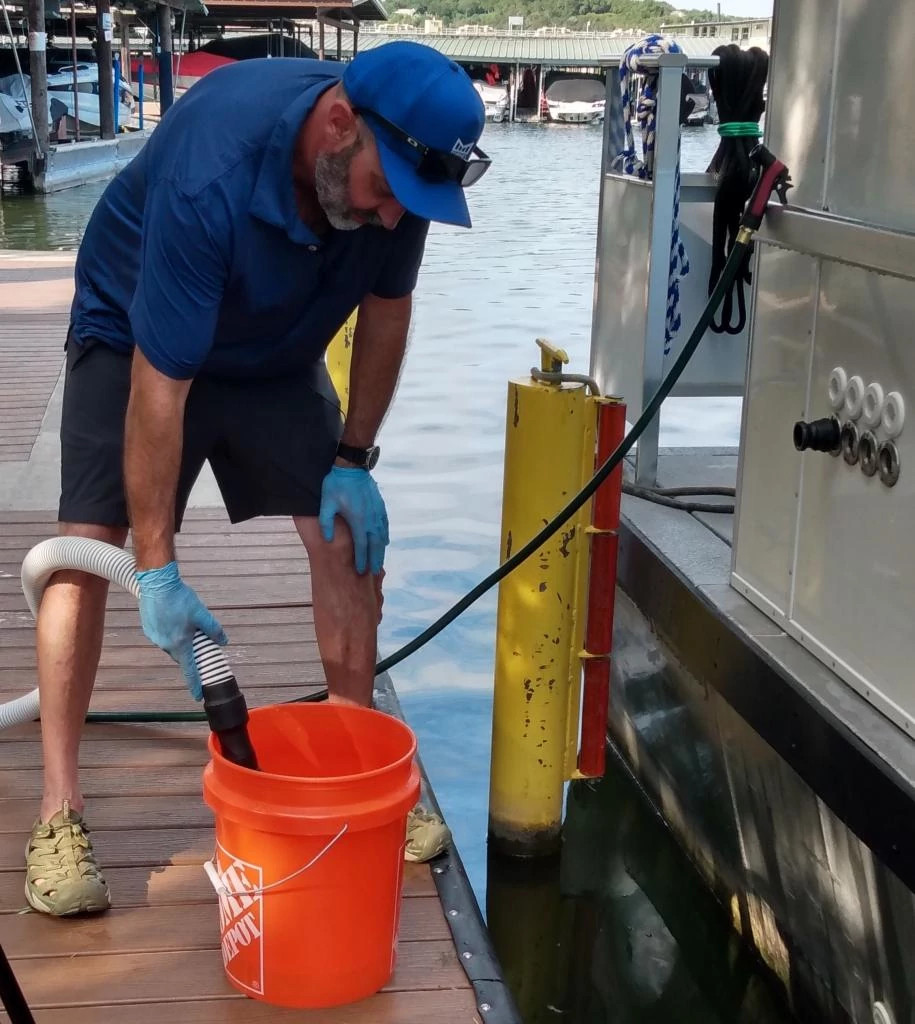
- A 5-gallon bucket
- An appropriate camlock fitting
- Optional: spray nozzle
For a walkthrough, watch the Walsh Landing Pump-Out Instructional Video on YouTube.
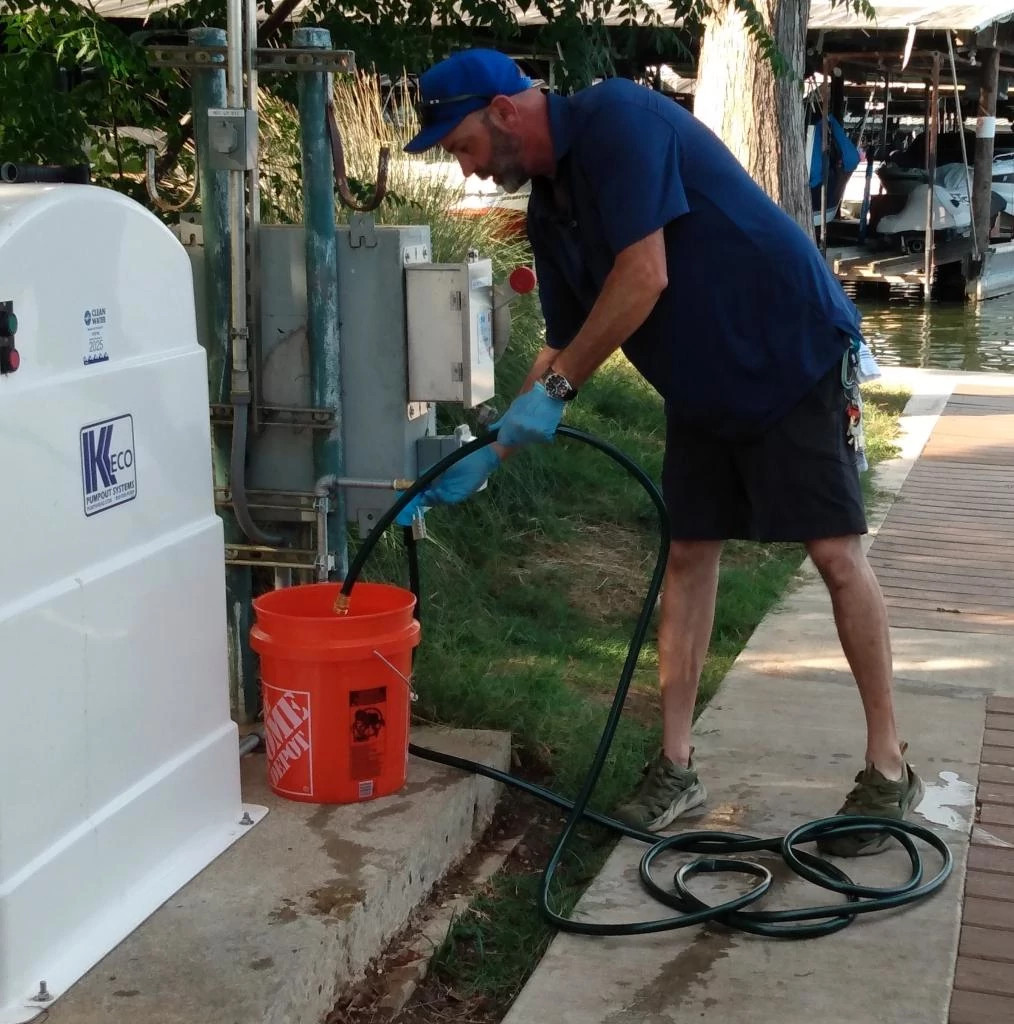
- Before beginning the pump out, fill a 5-gallon bucket with water from the provided hose bib.
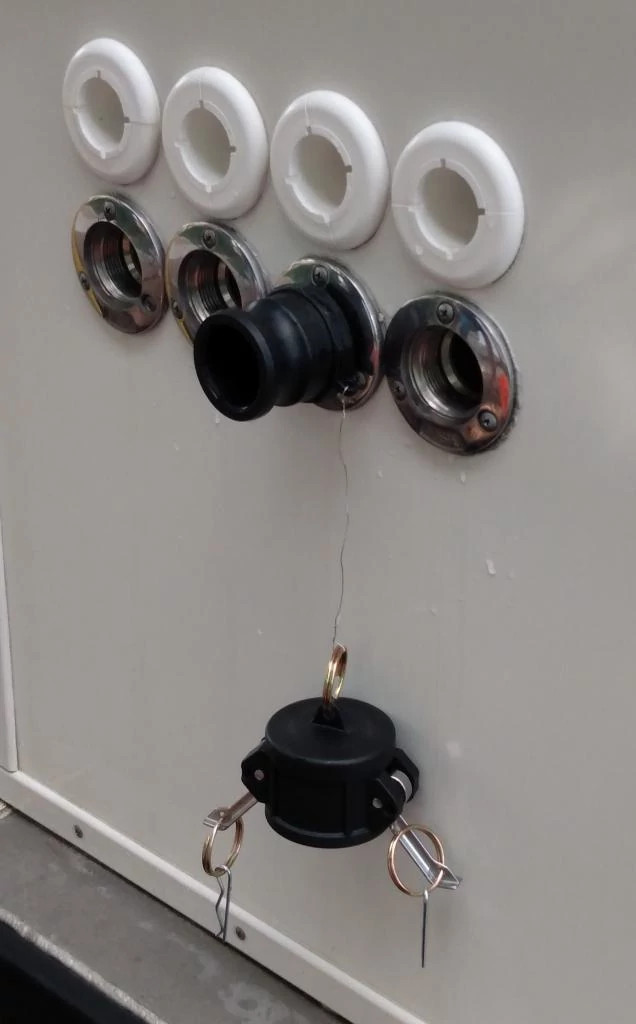
- Remove cap from camlock fitting. The cap will be secured to fitting.
- Ensure the valve at the end of the hose is in the off position - the handle will be perpendicular to the hose.
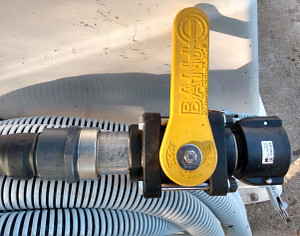
- Uncoil enough hose to reach the MSD waste fitting.
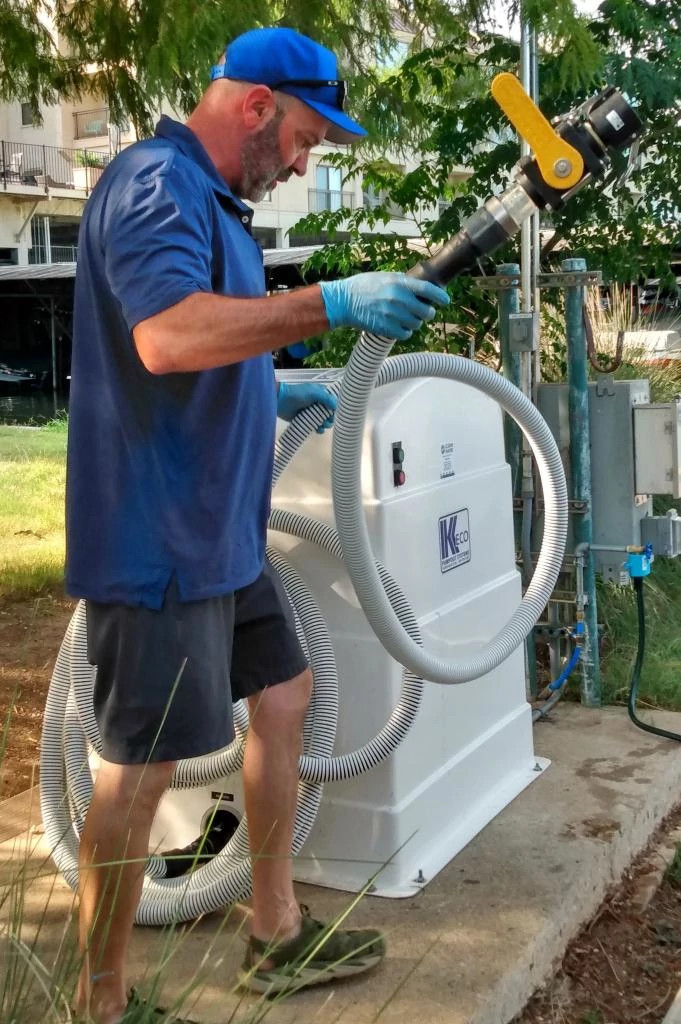
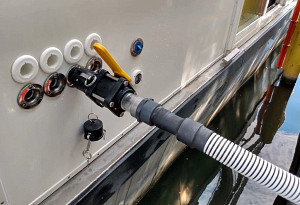
- Attach the hose to the MSD waste fitting. Apply enough pressure to ensure the camlock arms are fully engaged.
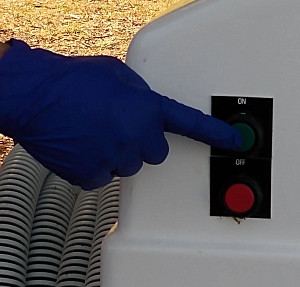
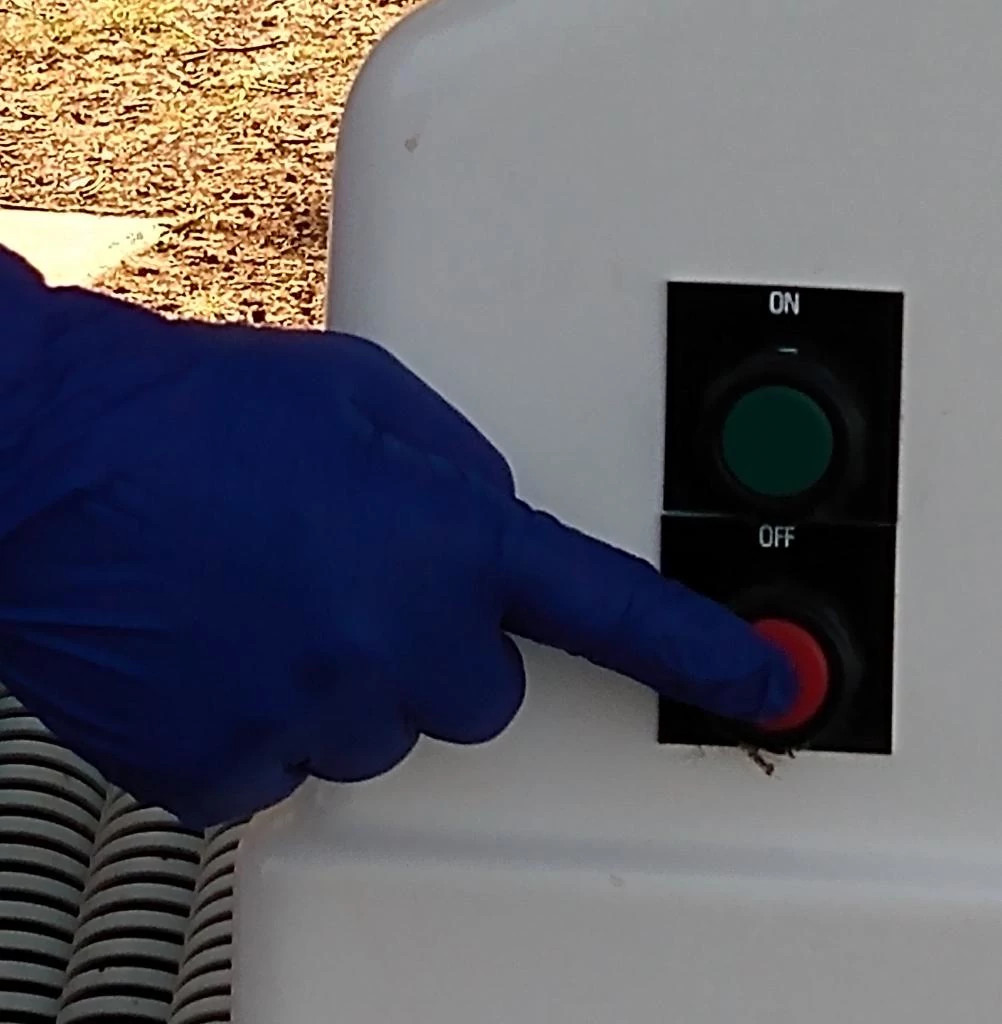
- With the valve in the off position, start the pump by pressing the green button.
- Open the valve at the end of the hose. The handle will be parallel to the hose.
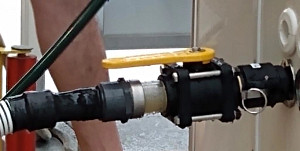
- Watch the sight glass. When no more waste is visible, close the valve and remove the hose from the fitting. Optional: Attach a spray nozzle to the provided water hose to flush the MSD system.
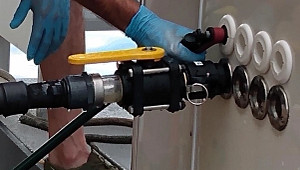
- With the pump still running, place the hose in the 5-gallon bucket filled with water (step 1) and open the valve. When the bucket is empty, with the valve open, run the pump for an additional 30 seconds.
- Turn off the pump by pressing the red button. Although the pump will automatically shut off after 20 minutes, please ensure you turn it off as soon as you are done using it.
- Turn the valve at the end of the hose to the off position and replace the hose on the hose reel.
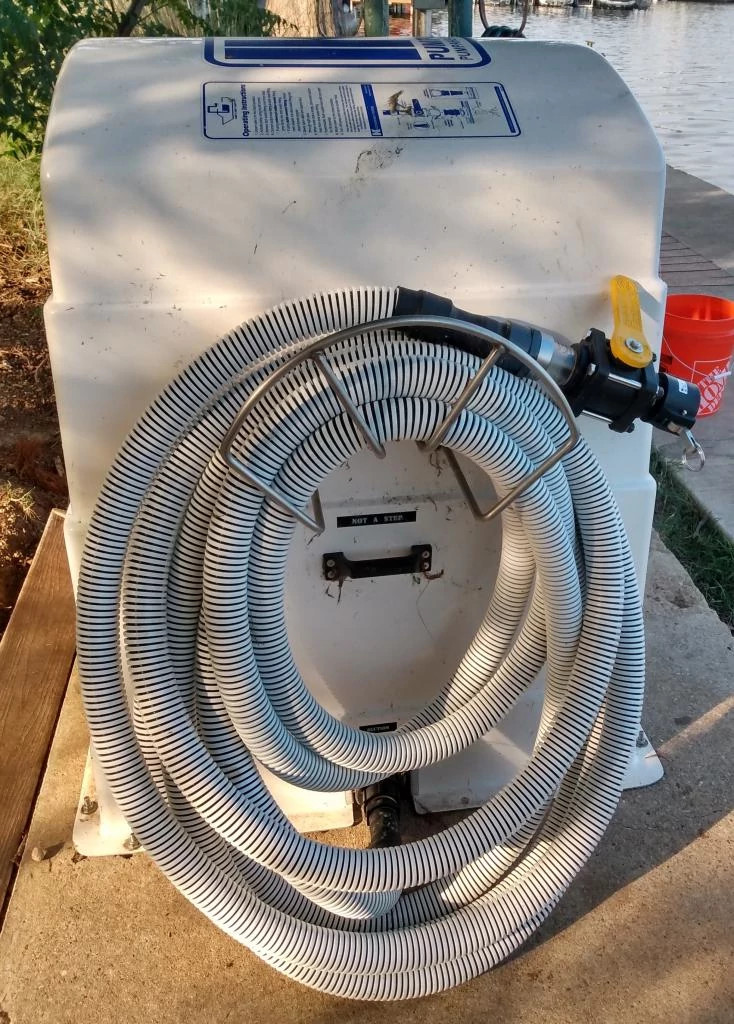
- Replace the cap on camlock fitting.
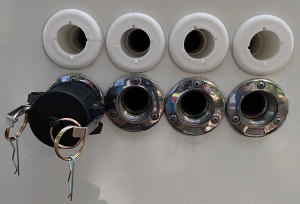
- Boat Pump Fittings
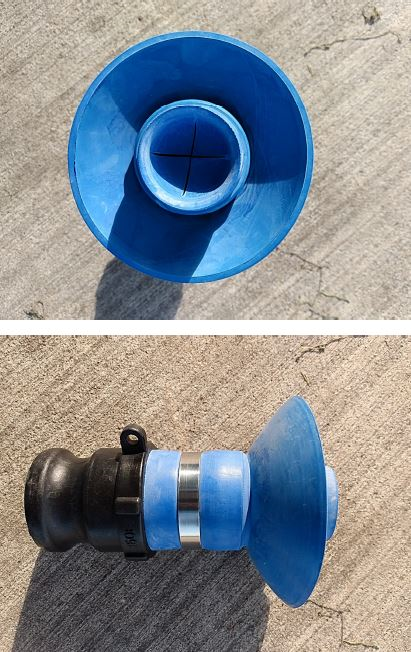
Commercial boats will be equipped with the necessary fittings. Private boat owners and/or those with a portable marine sanitation device (MSD) will need to provide their own appropriate fittings necessary to make a sanitary connection.
Example of a Private Boat Fitting:
- Resources